Product capabilities
Guide the work, capture the result, and preserve the product history.
Assembly360 brings the operator workflow, controller activity, torque-result history, product status, process analysis, and reports into one permission-aware application.
Product consoleLive station
Assembly recordVIN-2026-00124
Report readyStationStation A03
Result12 / 12 bolts OK
Torque48.2 Nm
Angle92°
Product in context
Physical tools, operator guidance, and process analysis.
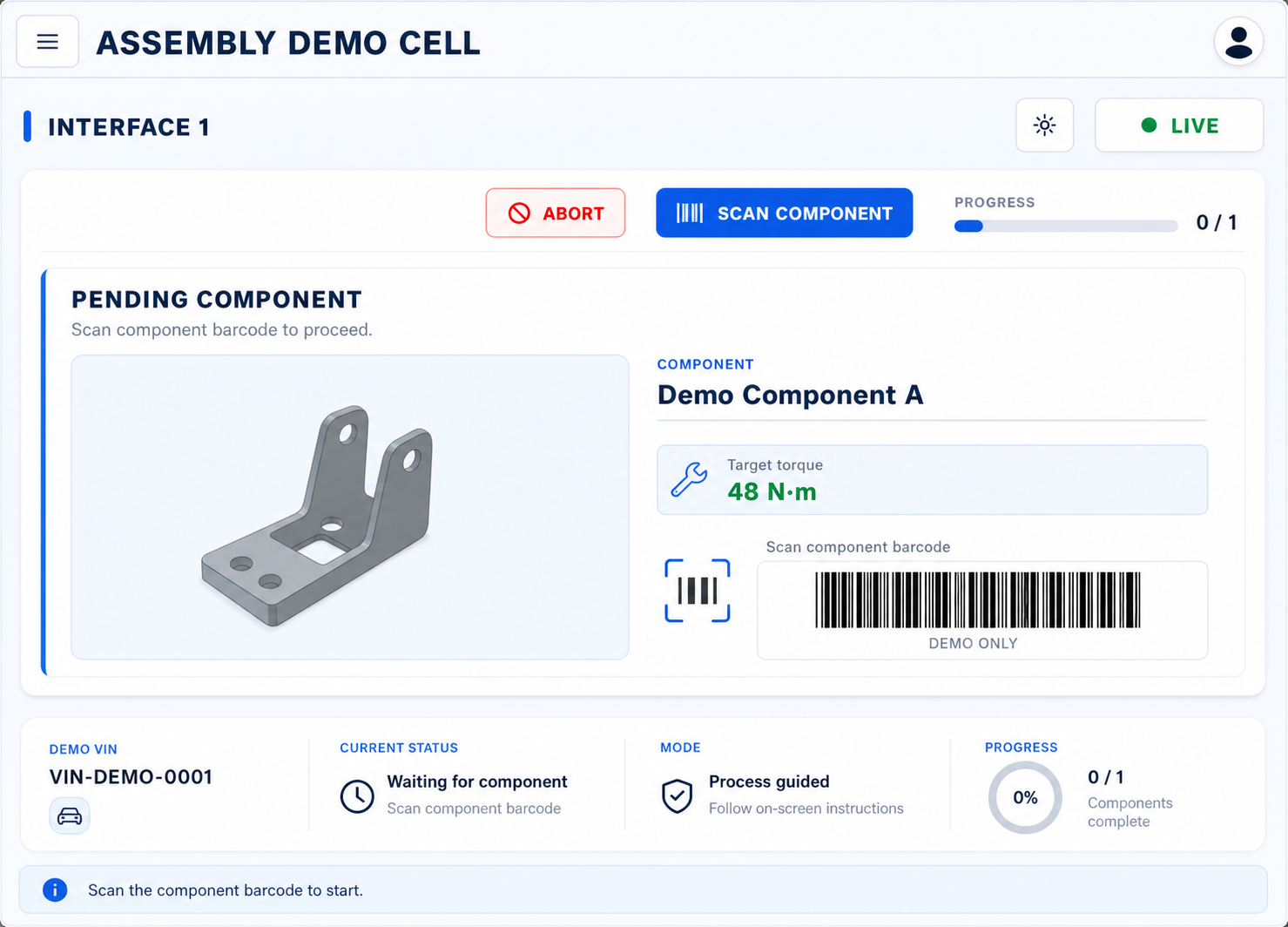
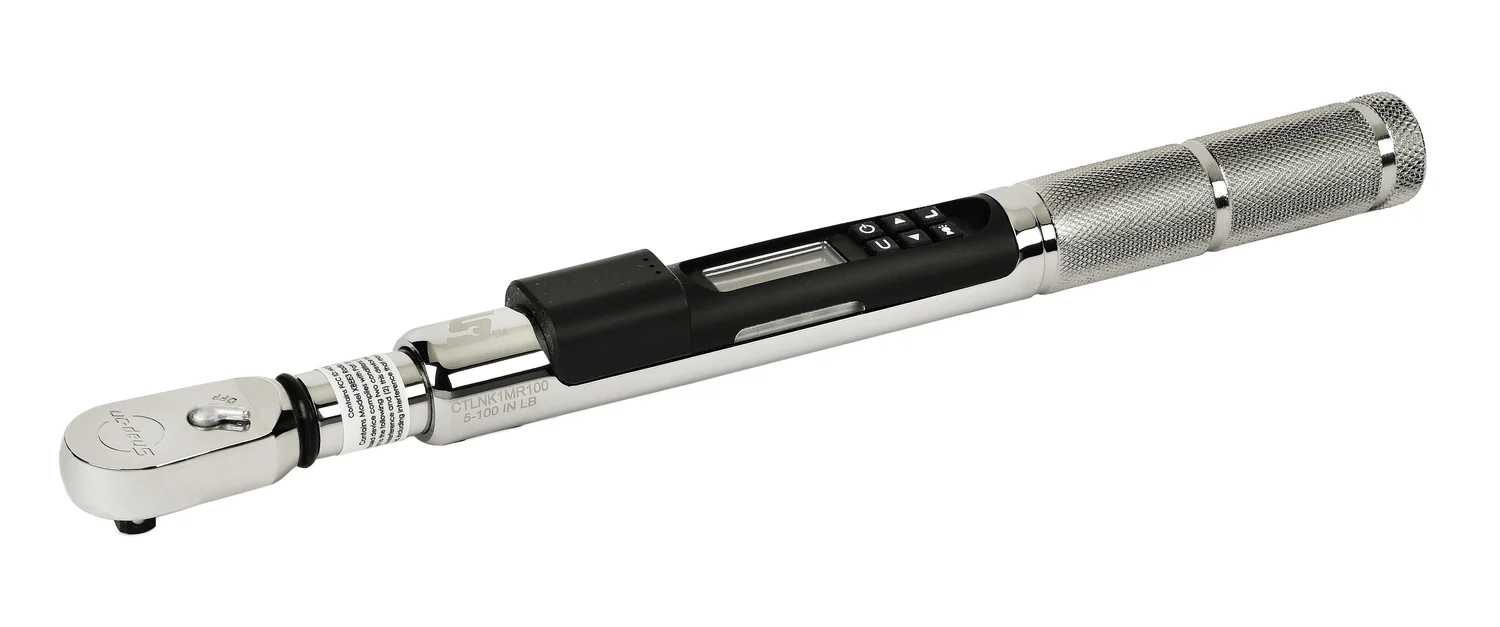
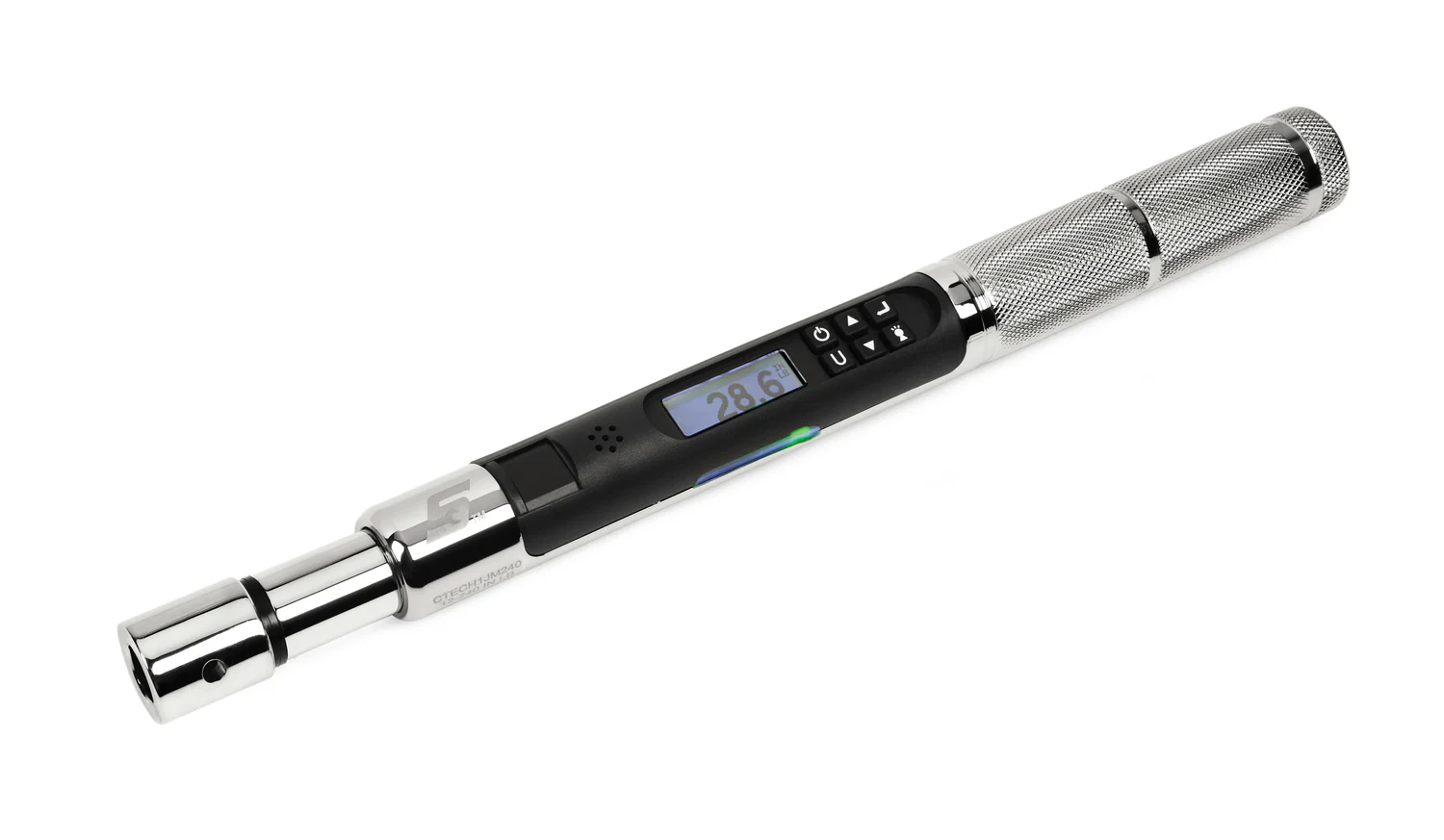
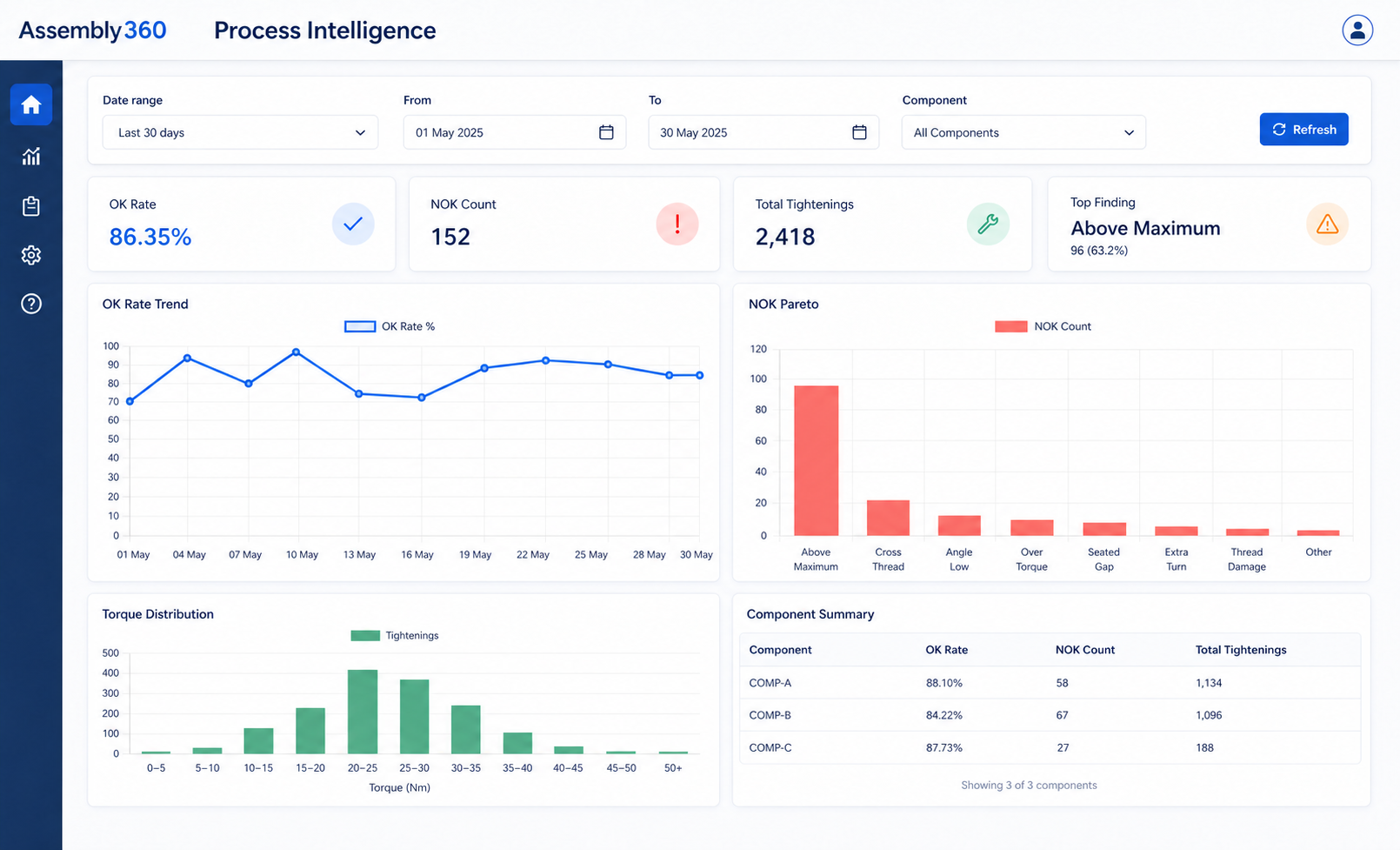
The controller and torque-tool images show the supported hardware family; the application views use fictional demo content to protect customer data and process logic.
Capability system
Capture → Guide → Trace → Prove
Assembly360 works like a connected manufacturing workflow, not a flat list of disconnected tools.
01Controller-connected
Capture
Collect tightening outcomes, runtime state, and station evidence directly from the plant environment.
Torque controller connectivity
Controller and runtime visibility
02Operator-ready
Guide
Show the active product, component progress, tightening step, retry state, and what comes next.
Operator HMI guidance
Component and batch tracking
03VIN-linked
Trace
Connect each finished product to its bolt history, component record, and searchable reporting trail.
Product-to-bolt traceability
VIN and product reports
04Audit-ready
Prove
Preserve OK/NOK attempts, retries, and evidence so quality teams can trust the finished record.
OK/NOK and retry history
Local factory deployment
See it on your line
Request a demo Want to map these capabilities to your assembly flow?
We can help you relate the product pillars to controllers, operator steps, and quality evidence.
Feature detail
Individual capabilities, connected as one assembly system.
Each card explains what the feature does and what it helps prevent in production.
01Result
Controller and interface status
Review controller identity, interface availability, recent messages, and latest tightening activity inside the plant.
Helps reduceReduces manual result gaps and missing production evidence.
02HMI
Guided operator HMI
Present the active VIN, component, current bolt, target torque, tool, progress, guidance image, and current state.
Helps reduceReduces operator uncertainty around the next configured action.
03VIN
Product-level traceability
Link each product to its component, bolt, target torque, applied torque, angle, result, and time.
Helps reduceReduces disconnected product histories and bolt-level blind spots.
04Retry
OK/NOK and retry history
Preserve failed attempts, retries, and approved repair, replacement, or scrap decisions instead of showing only the final pass.
Helps reduceReduces loss of NOK attempts and retry context.
05Batch
Assembly and component records
Search VIN or assembly ID records and review component, batch, completion, and product status.
Helps reduceReduces mixed component evidence and batch confusion.
06Report
VIN and product reports
Generate searchable product-level records in PDF, Excel, and CSV formats for quality review and export.
Helps reduceReduces hard-to-review records and manual audit preparation.
07Runtime
Dashboard and Process Intelligence
Review controller activity, recent results, OK rate, NOK trends, Pareto views, and torque distributions.
Helps reduceImproves visibility of station health and runtime changes.
08Local
Permission-aware administration
Configure controllers, products, components, mappings, locations, users, roles, and permissions.
Helps reduceKeeps the production runtime within the local customer environment.
Feature in action
From station action to audit record.
This is the working loop behind the product: scan, guide, capture, preserve, and report.
Scan product / VIN
The station identifies the active assembly and brings the correct build context into view.
VIN-2026-00124
Guide the next action
The HMI highlights the component, tightening step, and any retry or completion state.
Station A03
Capture torque and angle
The controller sends tightening results, runtime status, and plant-side evidence into the record.
48.2 Nm · 92°
Record OK/NOK history
Failed attempts and retries stay attached to the product rather than disappearing into a final pass.
Retry preserved
Open the report
Quality can review VIN-linked history, traceability context, and report-ready evidence in one place.
Report ready
Connected record
One assembly story, from result to report.
Three roles can look at the same record and get what they need without translating the data manually.
OperationsLive station
See active product, component progress, controller state, and current assembly outcome.
Keep the line moving with a clear view of what is next and where a station currently stands.
QualityReport ready
Review product-to-bolt traceability, OK/NOK trails, retries, and evidence.
Move from final-result checking to a complete tightening history that supports review and audit work.
ManagementRepeat NOK trend
Understand recurring exceptions, rework areas, and process reliability.
Spot where process control is slipping so the team can improve the assembly system, not just the single part.
Before and after
Replace scattered tightening evidence with one connected record.
A compact comparison helps decision-makers see the change quickly.
Without Assembly360
With Assembly360
Manual result checks
Controller-connected evidence
Final pass without retry context
Full OK/NOK retry trail
Scattered product records
VIN-linked product history
Slow quality investigation
Searchable audit-ready records
Quick summary
Assembly360 helps teams capture better evidence and turn it into action.
A connected capability story helps teams see how station activity becomes product-level evidence.
Operations gets a live station picture and cleaner handover continuity.
Quality gets product-level traceability, retry history, and report-ready evidence.
Management gets clearer patterns around recurring exceptions and process reliability.
Confirmed product details
Practical details for technical and commercial review.
These facts help plant, quality, automation, and management teams understand the current supported scope before a demo conversation.
Current supported controller brand and model for the Assembly360 runtime.
ControlTech-Link, ControlTech Micro, and ControlTech CTM battery-operated tools.
Reports can be downloaded for review, sharing, and audit preparation.
Configurable access with built-in profiles.
Permissions can be configured around common plant responsibilities while starting from practical default profiles.
OperatorSupervisorManagerQAAdmin
Controller-based perpetual licensing.
- License model
- Controller-based perpetual license
- Standard support
- One year included
- Extended support
- Available through AMC
- Typical implementation
- 8 to 12 weeks
Start the conversation
Request demo See how Assembly360 fits your line.
Tell us about your assembly line, controller environment, and traceability goals. We will help you explore the right deployment approach.