Factory networkProduction runtime
Torque controllersOperator HMIAssembly360 runtimeTraceability recordsReports / exportsQuality review
Deployment starts with the actual product structure, controller interfaces, VIN or assembly-ID method, component sequence, approved tools, reporting requirements, and operator response to exceptions.
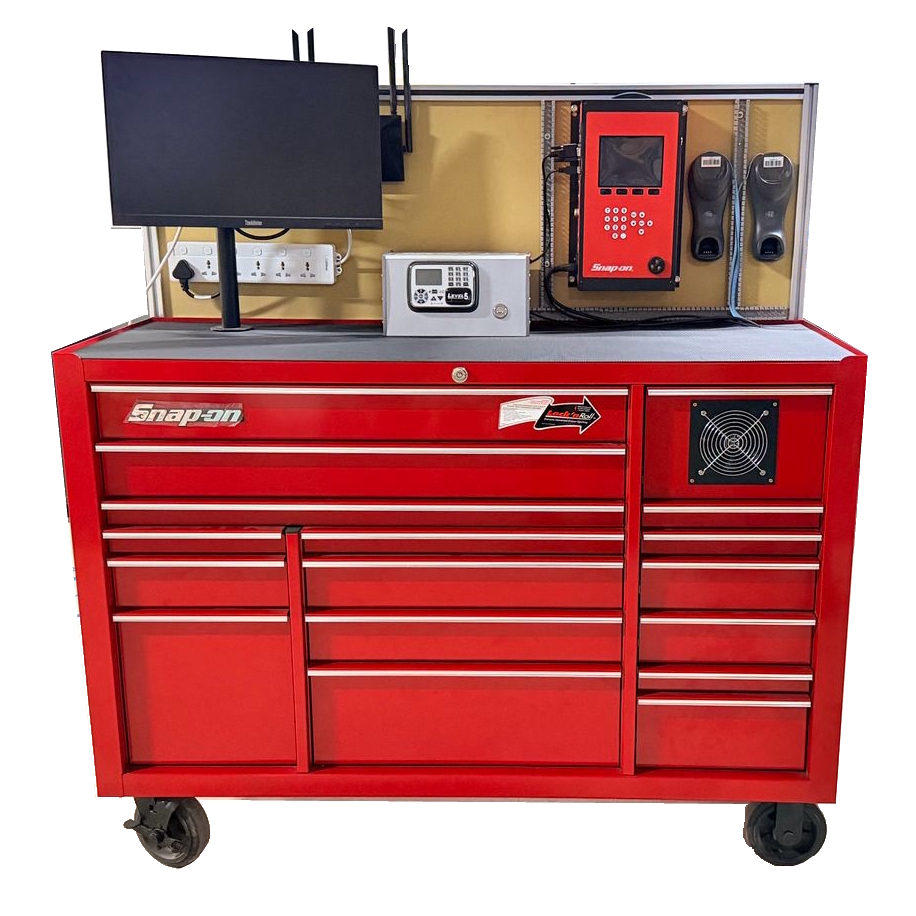
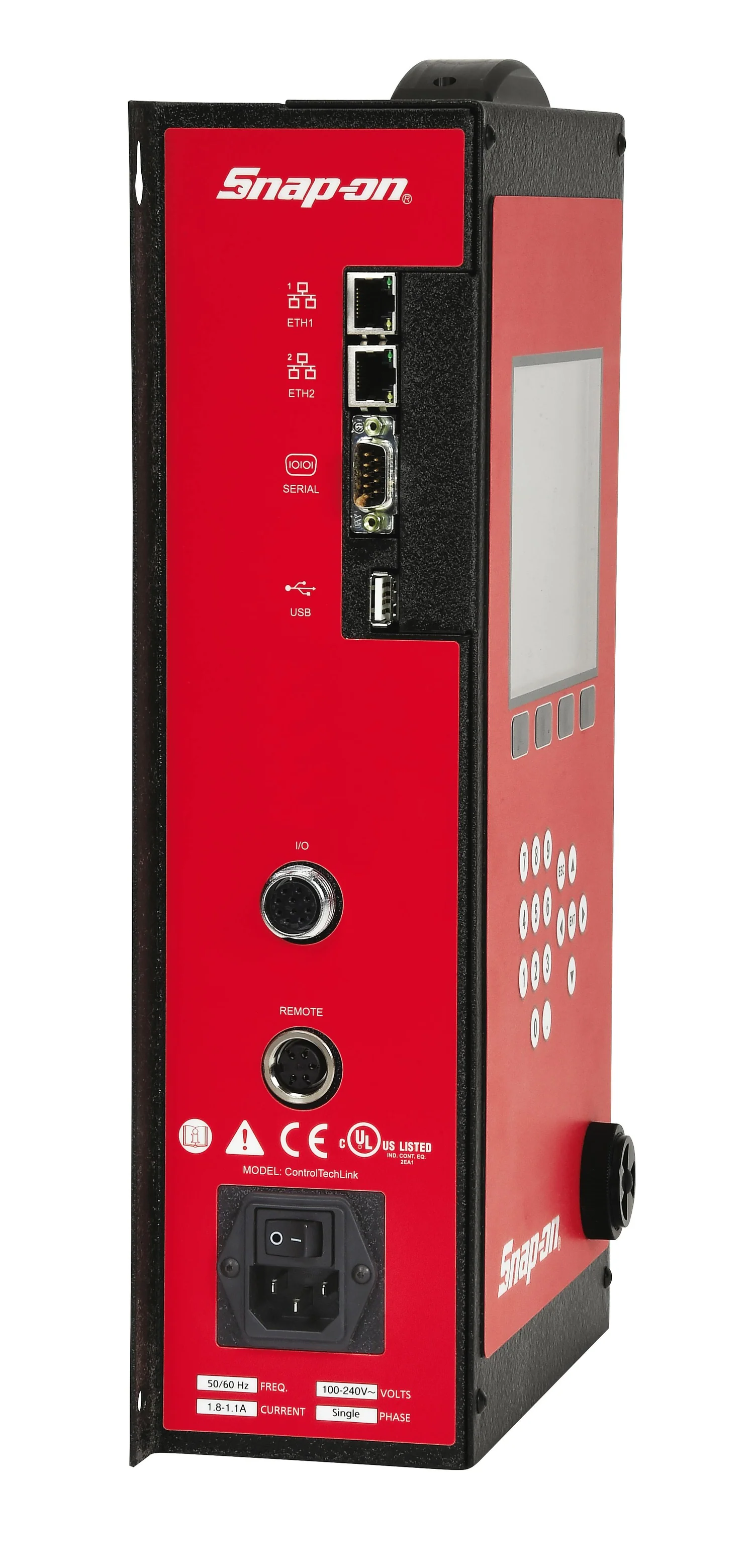
The boundary is the point of confidence: plant systems stay inside the manufacturing environment, while the public site stays informational and request-driven.
We can help you map the factory boundary, production ownership, and rollout steps before the first implementation meeting.
Controller scope, product structure, operator workflow, quality rules, access, and reporting are agreed before go-live.
Confirm controller model, number of interfaces, protocol, network location, supported tools, and result-recovery method.
Define products, components, serial requirements, batches, target values, limits, approved tools, and guidance images.
Agree how VINs and components are identified, how sequences work, and which HMI states require escalation.
Confirm NOK, retry, rework, repair, replacement, overrun, scrap, completion, and release rules with the process owner.
Define who can operate, supervise, review quality, configure, manage, support, and access reports.
Agree required VIN report formats, export needs, data retention, review, and customer-approved disclosure rules.
A guided rollout keeps deployment practical and avoids turning it into a one-size-fits-all project.
Review line flow, controller environment, and quality objectives.
Plant reviewDefine products, components, parameter sets, batches, and reporting needs.
Data mapBring supported torque controllers into the plant-side runtime.
ControllersSet up operator HMI, traceability records, and report views.
SetupTest identification, component selection, OK/NOK capture, completion, reconnection, recovery, and reporting.
AcceptancePrepare operators, supervisors, quality, and support teams.
EnablementStart production traceability with a controlled rollout.
LaunchDifferent teams care about different parts of the boundary. These cards make that visible at a glance.
Run close to the line with practical station visibility and a predictable production workflow.
Review product-level evidence, NOK trails, retries, and report-ready history.
Connect supported tightening equipment inside the factory boundary and preserve production continuity.
Keep production systems, controller access, and data ownership clearly separated from the public website.
The exact setup is confirmed during discovery, but the current deployment scope is built around these prerequisites.
A plant-side server for the Assembly360 runtime.
Application access over the customer local network.
SQL Express for local traceability and reporting data.
Windows 11 Pro operating system for the deployment environment.
Google Chrome browser for application access.
Use the operator guide, application overview, and public-safe VIN report sample to support evaluation.
For plant, IT, and automation teams that need to review the deployment boundary and runtime ownership model.
For decision-makers who want the value story before the technical review.
For quality and operations teams that want to understand the shape of product-level evidence.
Register your interest in the upcoming overview and report materials.
Tell us about your assembly line, controller environment, IT boundary, and traceability goals. We’ll help you explore the right deployment approach.